Starlink · Weather check · As of 17 Nov 2026
Starlink in bad weather: what the dish can really handle in rain, storms, snow and heat
Starlink markets its kits as “reliable and resilient”, quoting 160 km/h winds and −40 °C. The spec sheets of the individual kits list noticeably more cautious values, and independent measurements from Germany, the Netherlands and Finland show how much rain actually slows the connection. Here is what is documented, where marketing and spec sheet disagree, and how to prepare your setup for storms, lightning and power cuts.
- Rain costs speed
- Wind: 96 km/h on the spec sheet
- Temperature: −30 to 50 °C
Status and scope: All technical values are manufacturer information from starlink.com (spec sheets and Help Center, accessed 17 November 2026). drohnen.de has not run its own severe-weather tests. Measured results come from two published university and research studies.
The key facts in 20 seconds
With 4–5 mm of rain, downloads fell by around 30 % in a long-term study. According to Starlink, complete outages remain rare and short.
Standard and Mini are rated for operation up to “96 kph+”. The advertised 160 km/h does not appear on either spec sheet.
This applies to every kit except Performance (Gen3), which covers −40 to 60 °C. The router and power supply belong indoors.
The dish heats itself clear. According to Starlink, a protective cover degrades both reception and snow melting.
Marketing vs. spec sheet: why the numbers don’t match
On its “Reliable and resilient” page, Starlink says the latest-generation kits withstand wind speeds of “up to 160+ km/h” and work from −40 °C to 43 °C [1]. The Help Center and the spec sheets give different figures: every kit except Performance (Gen3) is rated for −30 °C to 50 °C outdoors, and Standard and Mini for operating winds of “96 kph+” [2] [5] [6].
Starlink does not explain the difference anywhere. The most plausible reading is that the marketing page combines best-case values across several hardware generations: according to the spec sheets, only the Performance kit reaches −40 °C and the high wind figures, while 43 °C is actually below the upper limit of the regular kits. For planning your installation, the spec sheet of your specific kit is what counts, not the marketing page. This is our editorial interpretation.
Starlink draws a clear line itself: the system is not designed for hurricanes, tornadoes or earthquakes [2]. “Resilient” means robust in ordinary severe weather, not indestructible.
Weather ratings of current kits compared
The table summarises the manufacturer figures from the current spec sheets. “Operational” means the dish should still work at this wind speed. “Survivable” only means it should withstand the wind without damage, not necessarily stay connected.
| Kit | Ingress rating | Operating temperature | Wind | Snow melt | Avg. power |
|---|---|---|---|---|---|
| Standard 4 / 4 X | IP67 Type 4 | −30 to 50 °C | Operational: 96 km/h+ | up to 40 mm/h | 75–100 W |
| Mini / Mini X | IP67 Type 4 (with cables plugged in) | −30 to 50 °C | Operational: 96 km/h+ | up to 25 mm/h | 25–40 W |
| Performance (Gen3) | IP69K with cables, IP68 without | −40 to 60 °C | Survivable: 280 km/h+ | up to 85 mm/h | 75–100 W |
| Router 3 (Standard 4 X) | IP56, configured for indoor use | 0 to 30 °C (indoors) | – | – | – |
Sources: spec sheets Standard 4 X [5], Mini [6], Performance [7]; indoor temperature for router and power supply according to the Help Center [2]. For the Performance kit, the spec sheet text says “270+ kph”, the table “280 kph+”.
The key difference is in the wind column: for Standard and Mini, Starlink gives an operating value; for Performance, a survival value. The two cannot be compared directly. Under the standard, IP67 means dust-tight and protected against temporary immersion; IP69K additionally covers high-pressure water jets.
Weather check: is your forecast within spec?
Pick your kit and enter the strongest gust and the most extreme temperature from the weather warning. The check only compares against the manufacturer figures. It does not assess your mount or the surface it is fixed to.
Rain and hail: slower, yes – offline, rarely
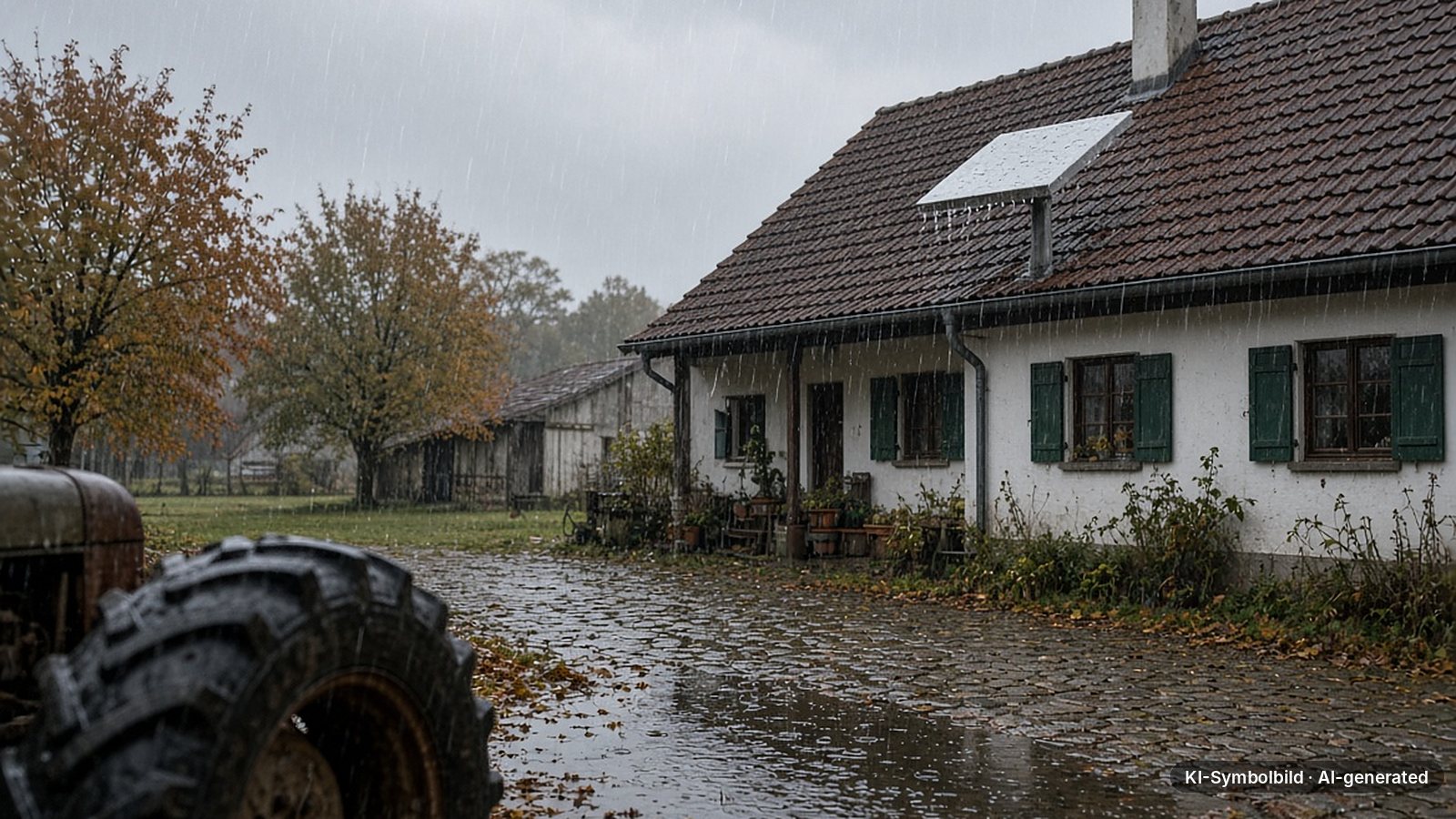
Starlink transmits at very high frequencies in the gigahertz range, where raindrops attenuate the radio signal: the heavier the rain, the stronger the effect. The Help Center confirms that moderate to heavy rain, snow and hail can cause brief outages, that extremely heavy rain can slow the connection, and that a complete outage is rare [4]. The dish surface is hydrophobic, so water beads off [2].
Two independent teams have measured how big the effect is:
- Osnabrück and Enschede: researchers at Osnabrück University and the University of Twente logged Starlink data together with weather data from September 2023 to March 2024. With 4–5 mm of rain, downloads were around 31 % (Osnabrück) and 30 % (Enschede) lower. Rain had no measurable effect on uploads there [8].
- Oulu, Finland: VTT Technical Research Centre measured with a high-performance terminal in June 2024. In light to moderate rain of up to 12.5 mm/h, median downloads fell by just over 35 % and uploads by around 52 %. Availability stayed above 98.5 % and median latency did not change [9].
In everyday terms: a video call will usually keep running in the rain, but a big download takes longer. Dropouts lasting a few seconds in a downpour are normal and not a fault.
A second factor is out of your hands: storms near a ground station can also affect the service. Starlink says it routes traffic around such cells via laser links between satellites [4].
Snow and ice: the dish heats itself clear
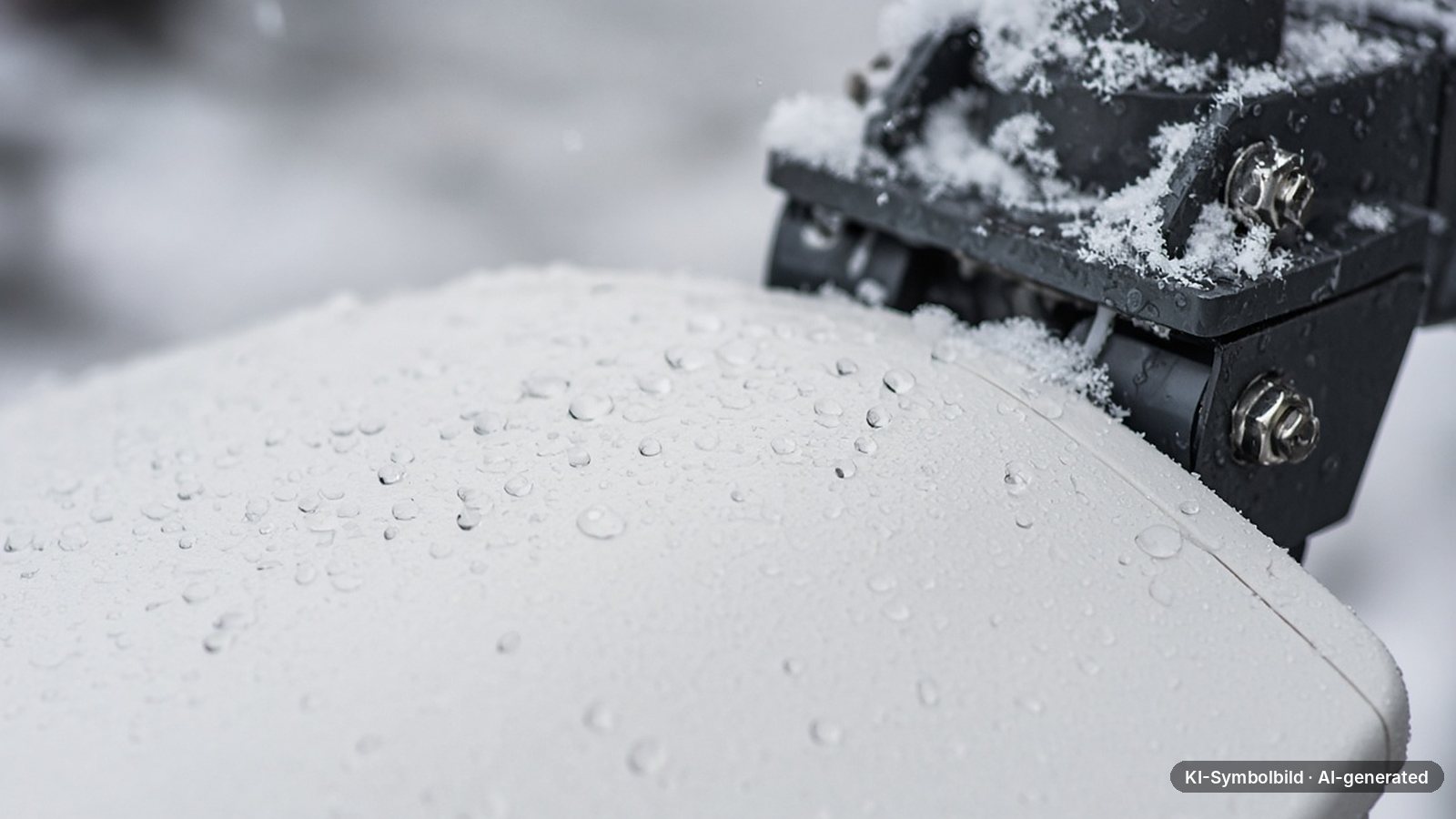
Starlink dishes have a built-in snow melt function. You set it in the app under Settings → Starlink → Snow Melt [3]:
- Automatic (recommended): heats only when snow is detected.
- Pre-heat: keeps the surface warm all the time but uses more power.
- Off: no extra power draw, but no protection against snow build-up.
The capacity is limited: according to the spec sheets, Standard melts up to 40 mm of snow per hour, Mini up to 25 mm and Performance up to 85 mm [5] [6] [7]. If snow sliding off a roof or drifting buries the dish completely, Starlink says the connection drops temporarily [3]. That makes the mounting location more important than the heater.
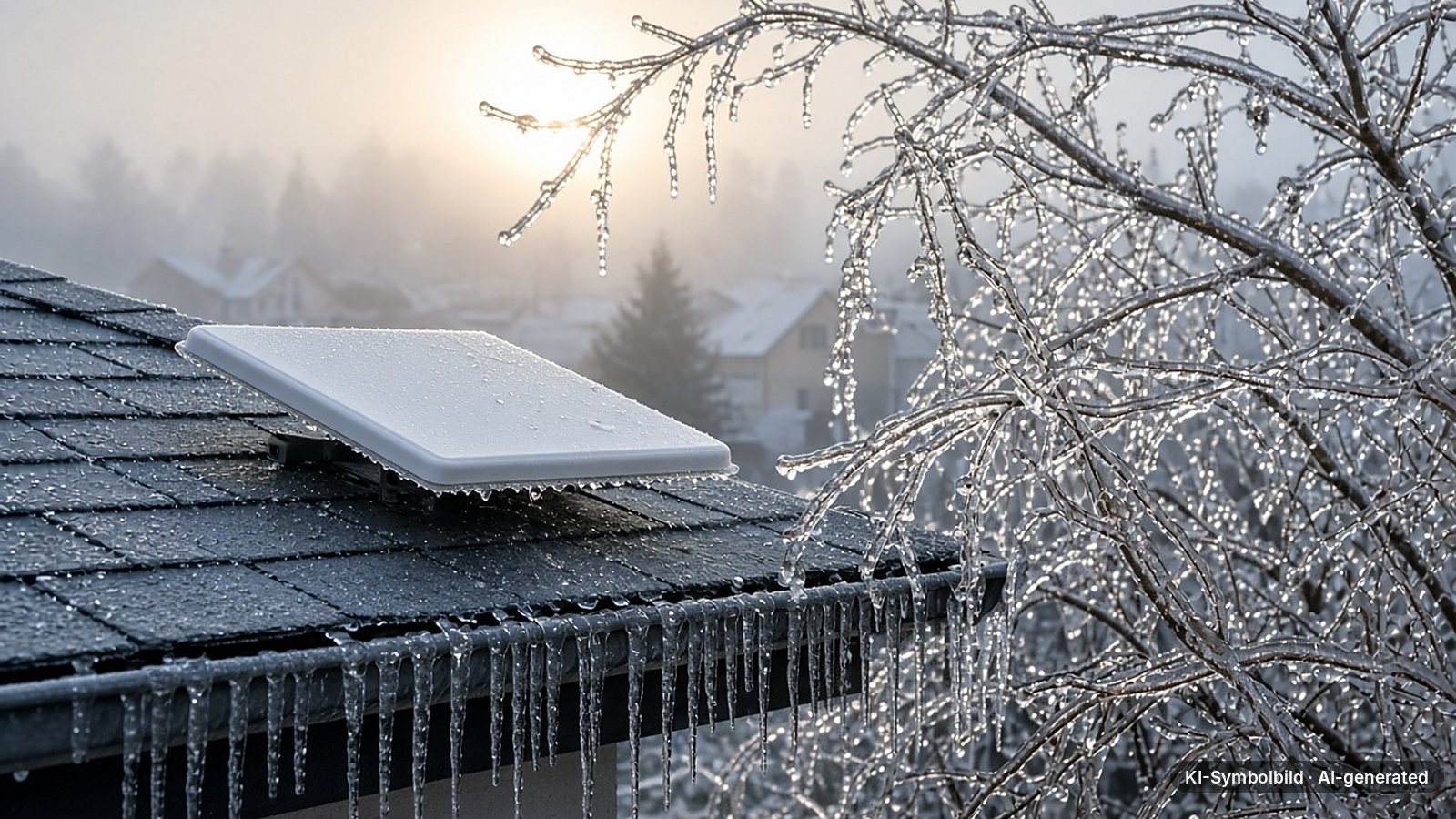
According to Starlink, light ice or icicles generally do not affect performance. If you want to clear snow or ice, do it gently and never with ice picks, chisels or scrapers [3].
Starlink explicitly advises against covers: an enclosure degrades performance and the dish’s ability to melt snow [2].
Storms and wind: the mount makes the difference
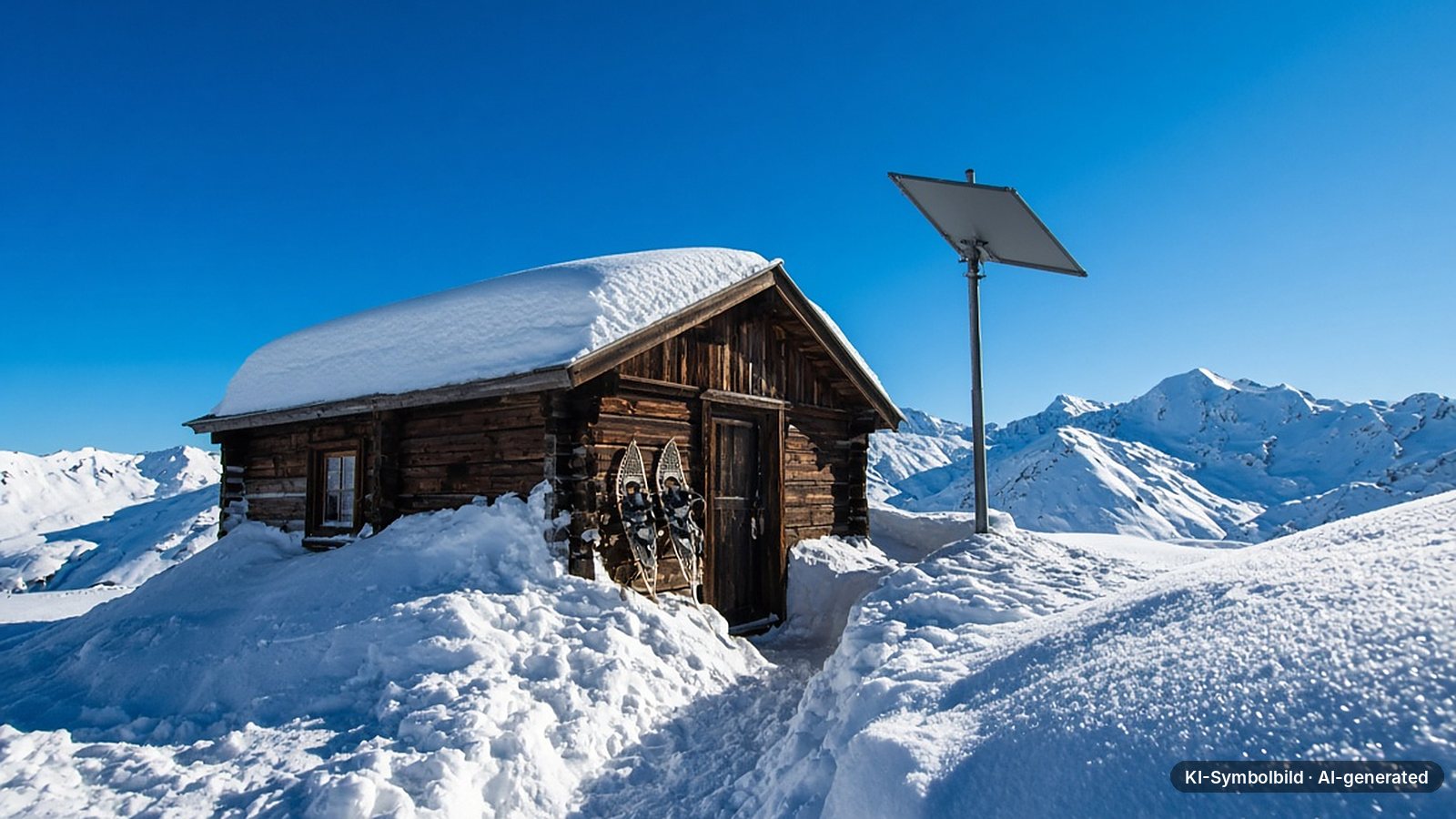
“96 kph+” corresponds to a storm on the Beaufort scale (force 10, 89–102 km/h). Hurricane force starts at 118 km/h [10]. Gusts like that regularly occur on coasts, in hills and mountains and during autumn and winter storms.
The spec-sheet value applies to the dish, not to how you attach it. What usually fails in a storm is the kickstand, clamps, pole or a surface that is too weak. The supplied kickstand is meant for the ground or a flat roof, not as storm protection. For permanent roof or wall installation, use the matching Starlink mount or a tested third-party mount, bolted down properly. Our Starlink installation guide explains the options.
- Keep the pole as short as possible: every extra metre adds leverage.
- If a hurricane-force storm is forecast, take down the kickstand setup or secure the dish flat.
- After the storm, check alignment and field of view in the app (“Check for obstructions”).
Heat: things get tight above 50 °C
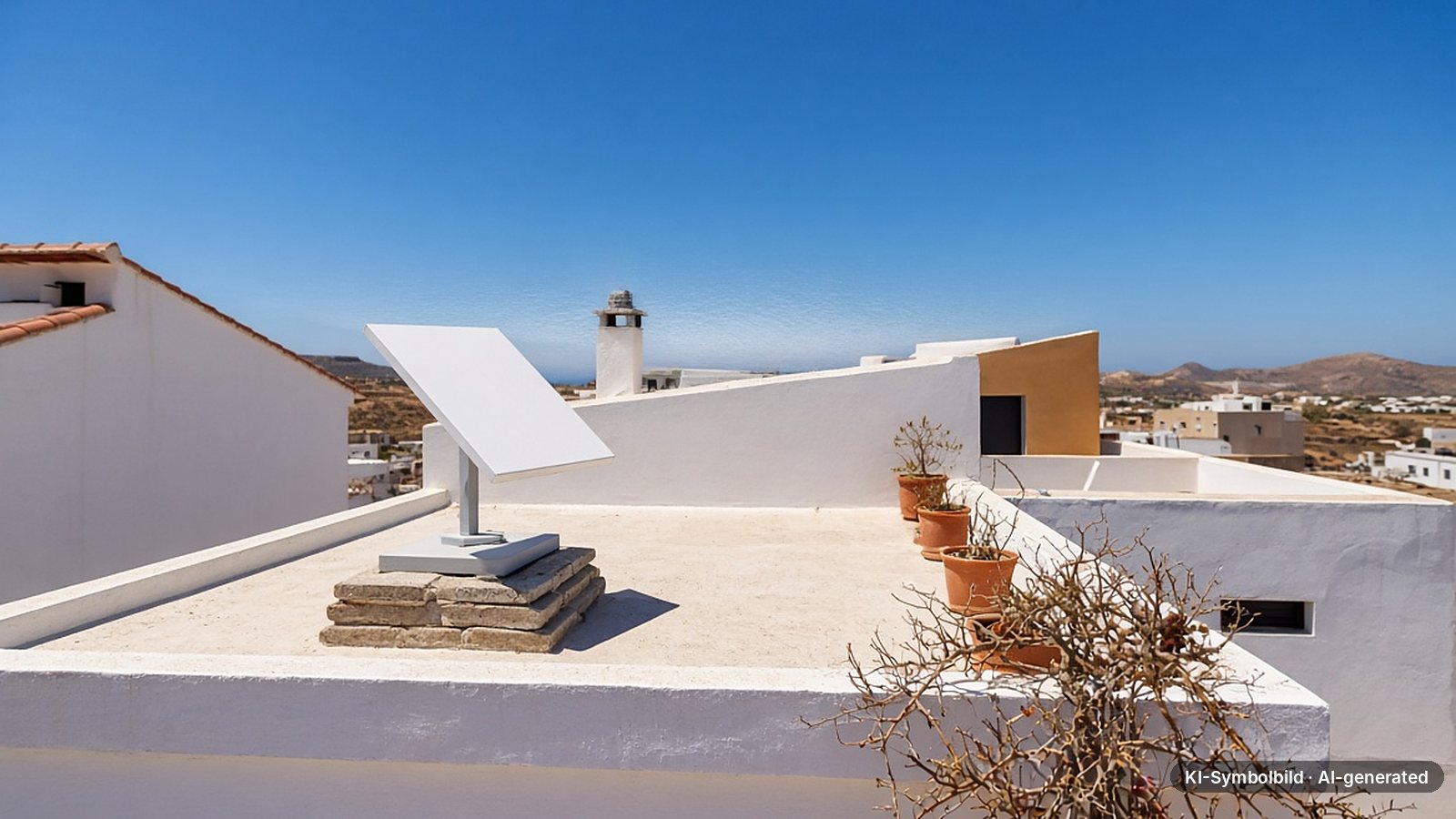
Standard and Mini are rated for outdoor temperatures up to 50 °C, Performance up to 60 °C [2]. According to Starlink, performance may drop slightly in extreme heat or cold. The indoor parts are often the weaker link: the router and power supply are designed for 0 to 30 °C indoors [2]. A router in a sun-baked garden shed, camper van or attic can easily exceed that in summer. If you use a Mini in a car, don’t leave it in the sun behind the windscreen.
Thunderstorms and lightning: ground it, unplug it, ask an electrician
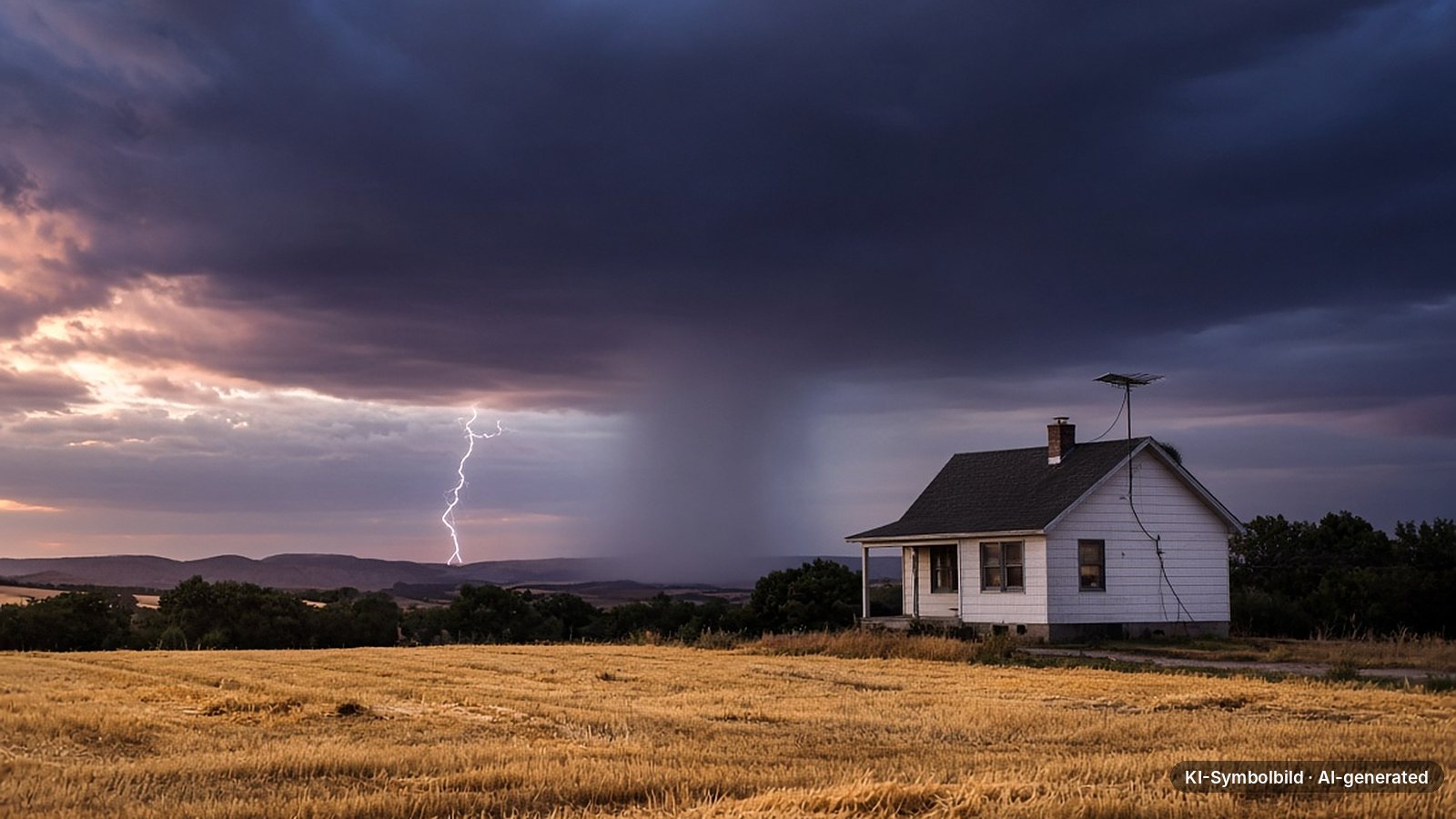
Starlink refers to the grounding requirements of the US National Electrical Code and recommends an external lightning protection system in lightning-prone areas [2]. During thunderstorms or longer absences, Starlink advises unplugging the power supply from the wall outlet and disconnecting the Starlink cable [2].
In Europe, earthing and equipotential bonding of antenna systems are covered by EN 60728-11 (based on IEC 60728-11). According to a practical guide from lightning-protection manufacturer DEHN, an antenna mast above the roof is connected to the earthing system with at least 16 mm² copper, while installations within the protected area below the roof surface generally do not need earthing [11]. Whether that applies to your setup is for a qualified electrician to decide. This overview does not replace an on-site inspection.
Power cuts and emergencies: Starlink needs electricity
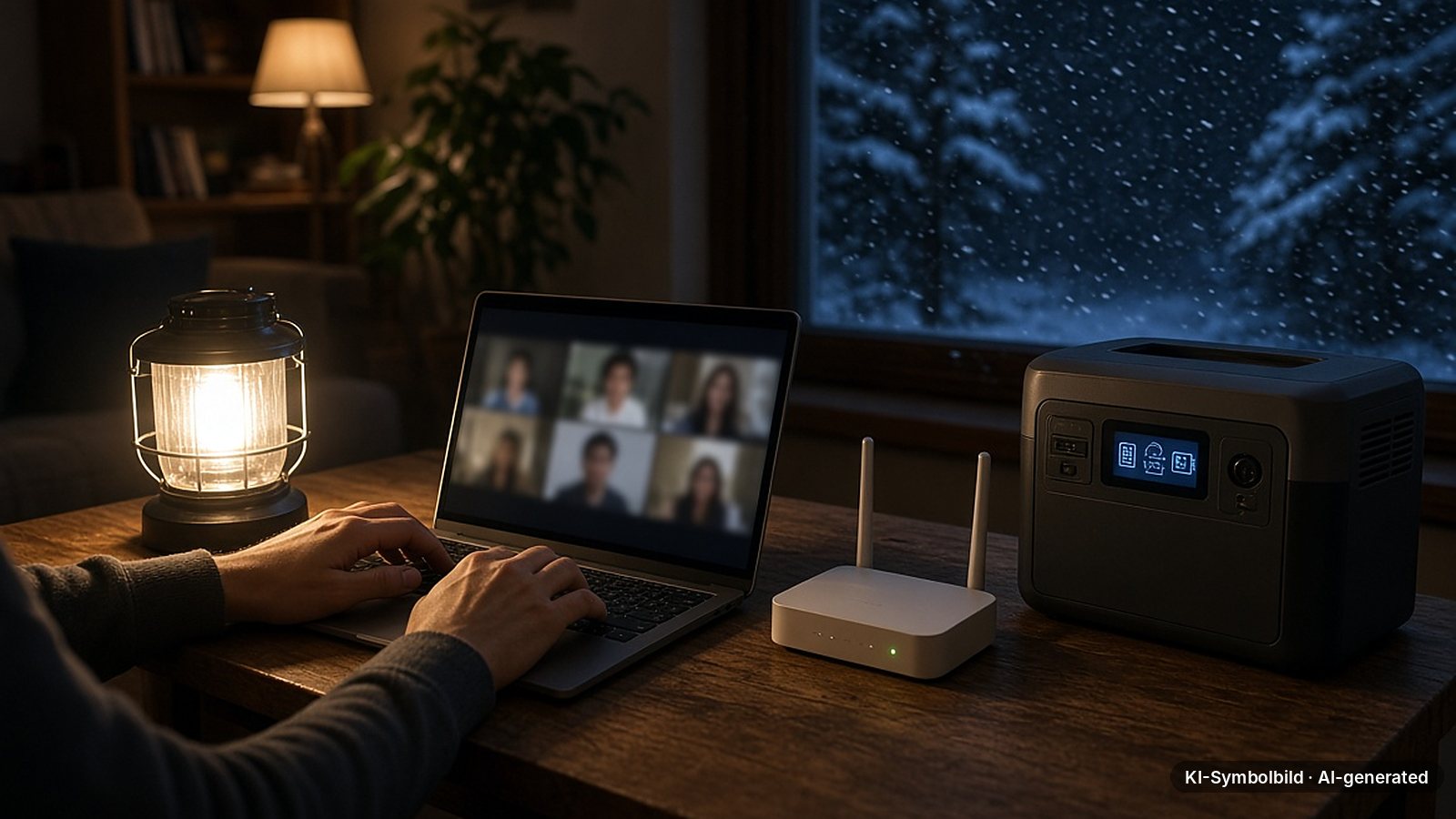
Starlink promises connectivity “when you need it most” [1]. That only holds as long as there is power. If the grid goes down, the system needs its own source. According to the spec sheets, average consumption is 75–100 W for Standard and 25–40 W for Mini [5] [6], more with snow melt active.
A power station with 1,000 Wh of usable capacity would in theory run a Standard (75–100 W) for about 10–13 hours or a Mini (25–40 W) for 25–40 hours. Conversion losses and snow melt shorten the runtime. This is a theoretical estimate, not a measurement.
For emergency preparedness, the Mini is the more frugal choice thanks to its low consumption and its 12 to 48 V DC input [6]. Before winter, check that your power station, cables and adapters work together, and charge the batteries fully when a storm warning is issued.
Checklist: installing Starlink to withstand the weather
Use the obstruction check in the app to find a spot with clear sky, keeping leafy summer trees in mind.
Don’t mount under roof edges, in corners where snow drifts or where snow slides off the roof.
Starlink or tested mount, short pole, load-bearing surface, corrosion-resistant screws.
IP67 only applies with the intended connectors. Add a drip loop and seal wall entries.
If the dish sits above the roof, have an electrician check earthing and equipotential bonding.
Run the router and power supply dry and indoors between 0 and 30 °C, with snow melt set to “Automatic”.
Warranty and insurance: who pays after a storm?
In the EU, Starlink offers a 24-month warranty on Standard and Mini kits and 36 months on Performance (Gen3). According to the warranty terms, damage caused by fire, wind, lightning and weather, among other things, is excluded [12]. A terminal torn off by a storm is therefore not a warranty case.
That leaves your own insurance. Whether storm damage is covered, from what wind speed, and whether a permanently mounted dish counts as part of the building or as contents depends on your policy and on national rules. Many policies only pay above a minimum wind force. If in doubt, check with your insurer before winter.
Which kit for which climate?
For most homes in temperate climates: IP67, 40 mm/h snow melt, −30 to 50 °C. Assumes a fixed installation with a good mount.
For travel and as an emergency backup: low power, 12–48 V. In heavy snowfall, its 25 mm/h melt rate reaches its limit sooner.
For high mountains, coasts and the Arctic: −40 to 60 °C, IP69K, 85 mm/h. More expensive and only available via Starlink Business.
Our recommendation · new customers
Order Starlink directly: claim the referral reward and try it for 30 days
If you order directly on starlink.com through our referral link, Starlink currently pays a reward in cash or as service credit once your subscription has run for two months. You can return the hardware within 30 days.
Referral reward
What Starlink pays new customers
$100in the USreward
- UK: £40 · Canada: CA$140 · Australia: A$110
- Ireland, Germany, Austria: €45 · Switzerland: CHF 40
- Eligible: Residential and Roam plans, direct orders only
Current offers
November deals
−30 %US service plansuntil 30 Nov
Roamfor travelplans
- US: 30 % off in select areas, from $38.50, sign up by 30 November
- Germany: half price for three months on Residential, from €17.50
- Roam: for travel, camping, boats and RVs
Offers and rewards last checked on 17 Nov 2026 on starlink.com
Referral link: if you order through it, drohnen.de receives a reward from Starlink; your price does not change. Fees can depend on your address; the order process is binding.
According to Starlink, the reward only applies to direct orders via a referral link. Starlink can change the amount and terms.
FAQ: Starlink and the weather
Does Starlink work in the rain?
Yes. Heavy rain reduces speed and can cause brief dropouts. In a long-term study in Osnabrück and Enschede, downloads were around 30 % lower with 4–5 mm of rain [8]. According to Starlink, complete outages are rare.
How much wind can Starlink handle?
According to the spec sheets, Standard and Mini are rated for operation up to 96 km/h+, and Performance should survive 280 km/h+. The marketing page quotes 160+ km/h for the latest generation. In a storm, the mount is usually what matters most.
Do I need to clear snow off the Starlink dish?
Usually not: snow melt heats the surface clear. Only if snow buries the dish completely does the connection drop. Then clear it gently by hand or with a soft brush, never with a scraper or pick.
Can I put a protective cover over the dish?
No. Starlink explicitly advises against it because a cover degrades reception and snow melting.
What temperatures can Starlink handle?
Standard and Mini work from −30 to 50 °C, Performance (Gen3) from −40 to 60 °C. The router and power supply are designed for 0 to 30 °C indoors.
Should I unplug Starlink during a thunderstorm?
Starlink recommends unplugging the power supply and disconnecting the Starlink cable during thunderstorms and longer absences. If the dish is mounted above the roof, an electrician should check the earthing.
Does the warranty cover storm damage?
No. The Starlink warranty excludes damage caused by wind, lightning and weather. Only your own home or contents insurance may pay, if storm damage is included.
Does Starlink work during a power cut?
Only with its own power source. With a portable power station or UPS the system keeps running; the Mini draws 25–40 W on average, Standard 75–100 W.
Verdict: robust, but not invulnerable
Starlink is well equipped for temperate-climate weather: IP67, built-in snow melt and a temperature range down to −30 °C cover a normal winter. Rain measurably costs speed but rarely takes the connection down. Don’t apply the advertised 160 km/h and −40 °C to every kit: the spec sheets for Standard and Mini say 96 km/h and −30 °C. The biggest risks are a weak mount, a location where snow piles up, missing earthing and power cuts. Sort out these four points before winter and you will have one of the most weather-resistant internet connections available away from fibre.
Share
Who needs this before the next storm?
Send the weather check to anyone who uses Starlink or is thinking about it.
TransparencySources and data12 entries, primary sources first
- Starlink: Reliable and resilient (manufacturer page, marketing claims), accessed 17 Nov 2026.
- Starlink Help Center: Snow, heavy rain, wind, lightning or extreme temperatures (manufacturer information), accessed 17 Nov 2026.
- Starlink Help Center: How Starlink works in snow and ice (manufacturer information), accessed 17 Nov 2026.
- Starlink Help Center: Does weather affect my service? (manufacturer information), accessed 17 Nov 2026.
- Starlink: Standard 4 X specifications (PDF, manufacturer information), accessed 17 Nov 2026.
- Starlink: Mini specifications (PDF, manufacturer information), accessed 17 Nov 2026.
- Starlink: Performance specifications (PDF, manufacturer information), accessed 17 Nov 2026.
- Laniewski, Lanfer, Meijerink, van Rijswijk-Deij, Aschenbruck: WetLinks: a Large-Scale Longitudinal Starlink Dataset with Contiguous Weather Data, Osnabrück University / University of Twente, TMA 2024 (scientific publication).
- Ullah, Heikkinen, Uitto, Anttonen, Mikhaylov: Impact of Weather on Satellite Communication: Evaluating Starlink Resilience, VTT / University of Oulu, 2025 (preprint).
- MeteoSwiss: Beaufort table (Swiss federal weather service, PDF, German).
- DEHN: Earthing of antenna systems according to DIN EN 60728-11 (VDE 0855-1) (manufacturer guide, PDF, German).
- Starlink: Limited warranty (legal document), checked 1 Oct 2026.
NotesDisclaimer and transparency
Note: This article provides general information. It does not replace an inspection of your installation by a qualified electrician, legal or insurance advice, and it is not a conformity assessment of any specific product. All technical values are manufacturer figures as of 17 November 2026.
Transparency: This article was researched and written with AI assistance and checked by our editors. All photos are AI-generated illustrations and labelled as such. Links to starlink.com with a referral code are affiliate links: if you order through them, drohnen.de receives a reward; your price does not change.
Uncertainties: Starlink’s marketing and spec-sheet figures differ; the spec sheet of each kit is what counts. Our editors have not run their own severe-weather tests. Insurance information is general and does not replace reading your own policy.

